Presets that keep their look when the light changes
One Lightroom pack per subject: wildlife, landscapes, travel, the city by day and by night. A whole day of photos can keep the same look, since most looks come in several light versions. Your exposure and white balance stay as you set them.
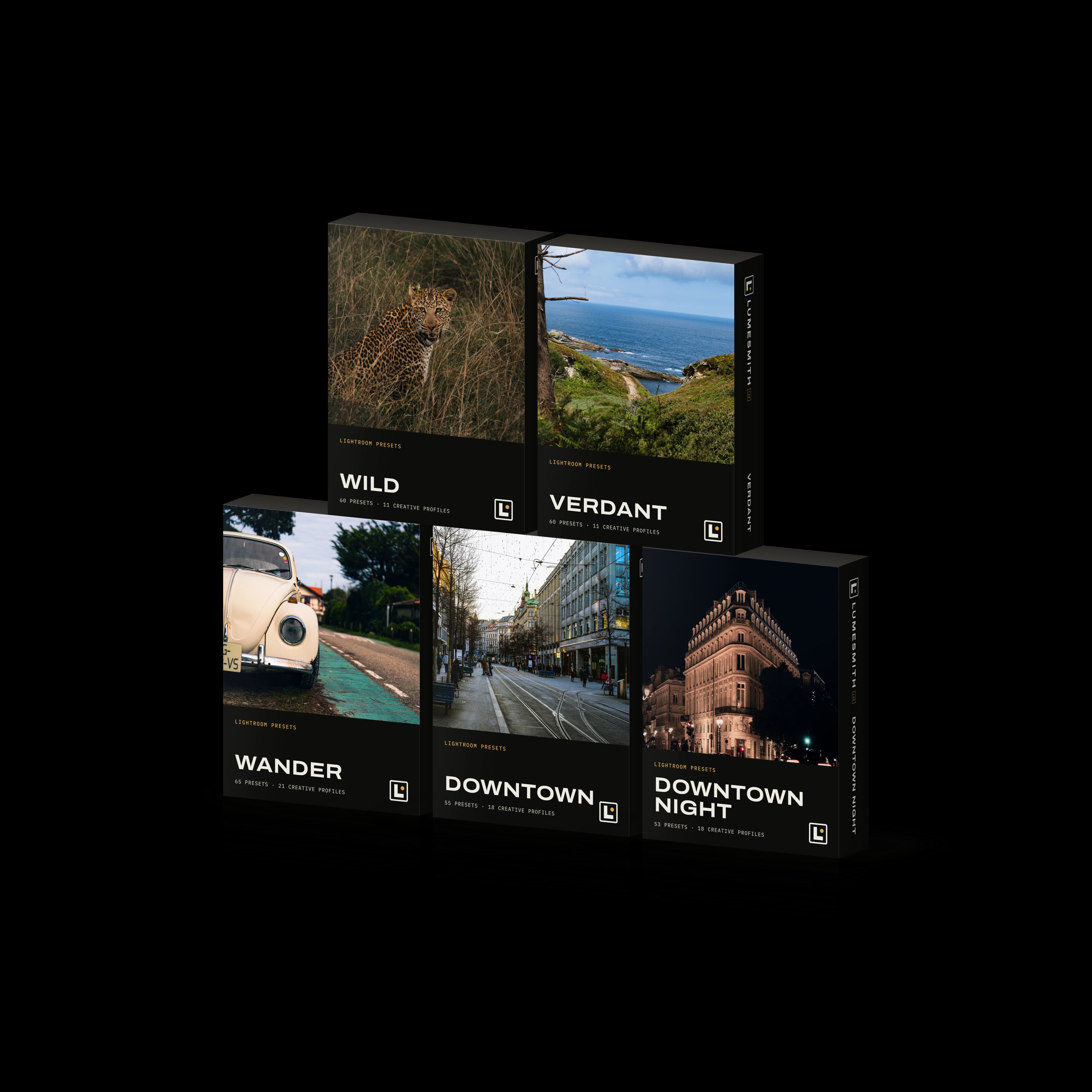
- Packs
- 5
- Packs from
- €19.99
- Works in
- Lightroom Classic, Lightroom, Camera Raw
Choose your subject
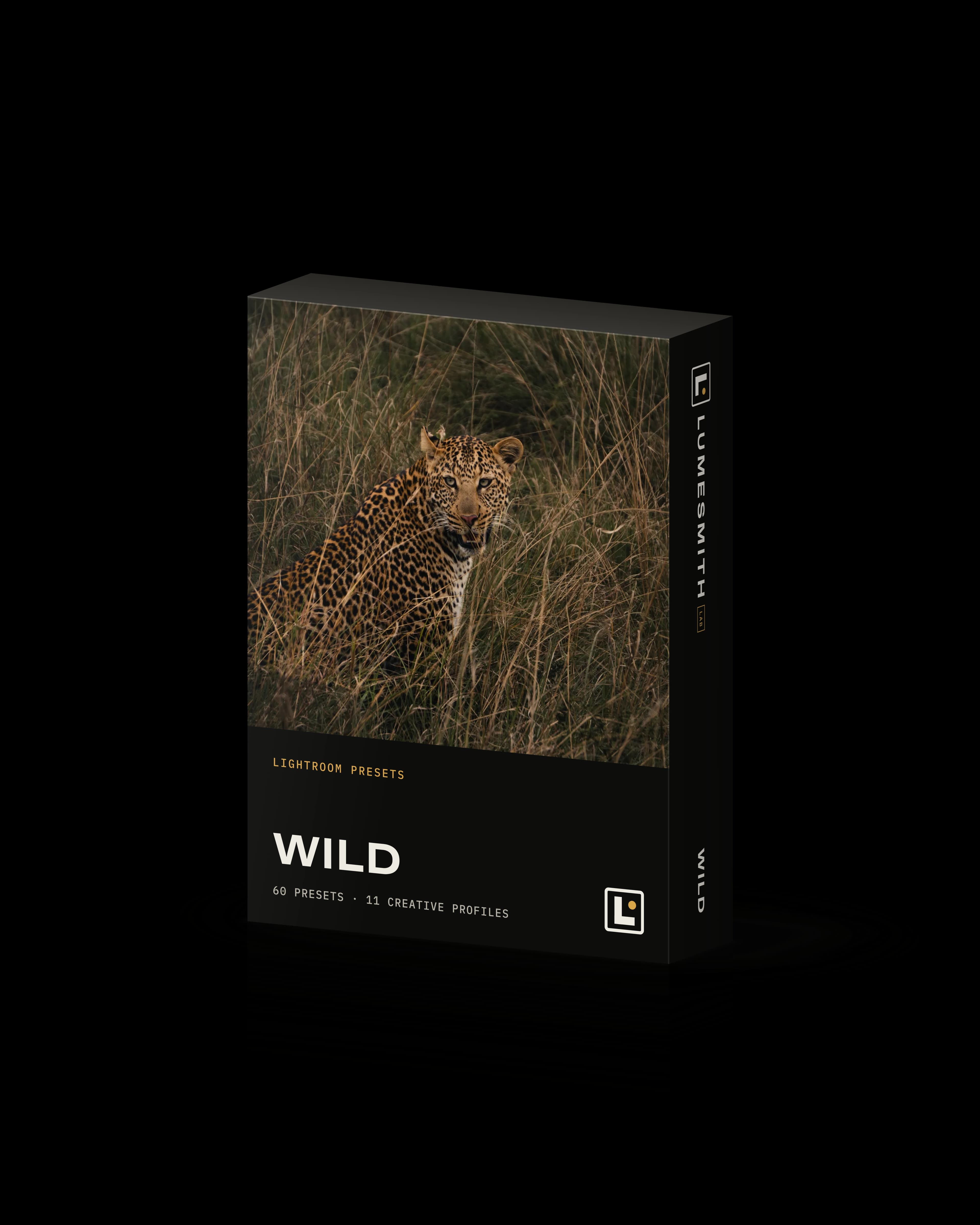
Wild
For wildlife: the animal stays the first thing you see, and fur and feathers keep their true color.
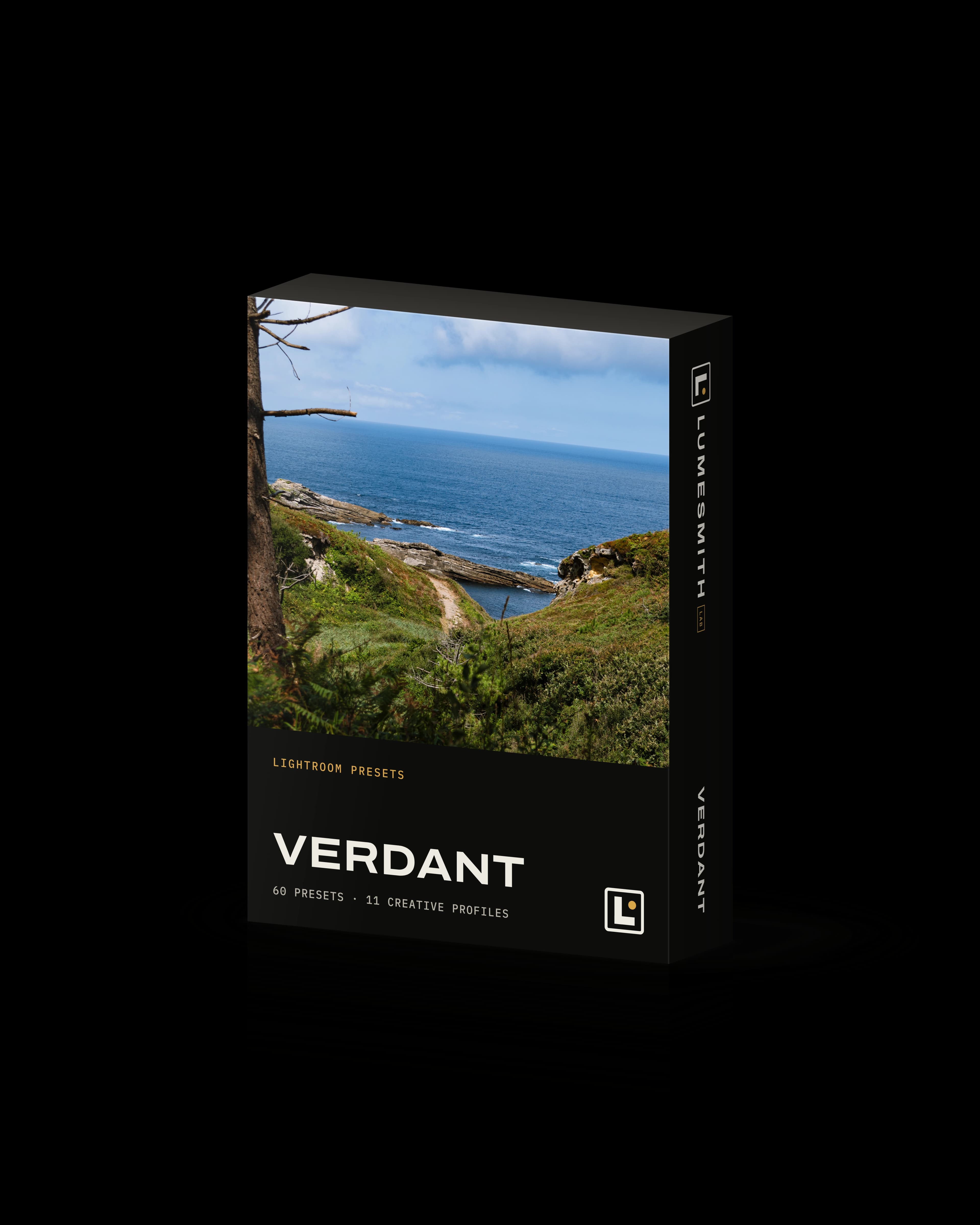
Verdant
For forests, meadows and mountains: vivid greens that make your photos shine, from cool conifer green to warm olive.
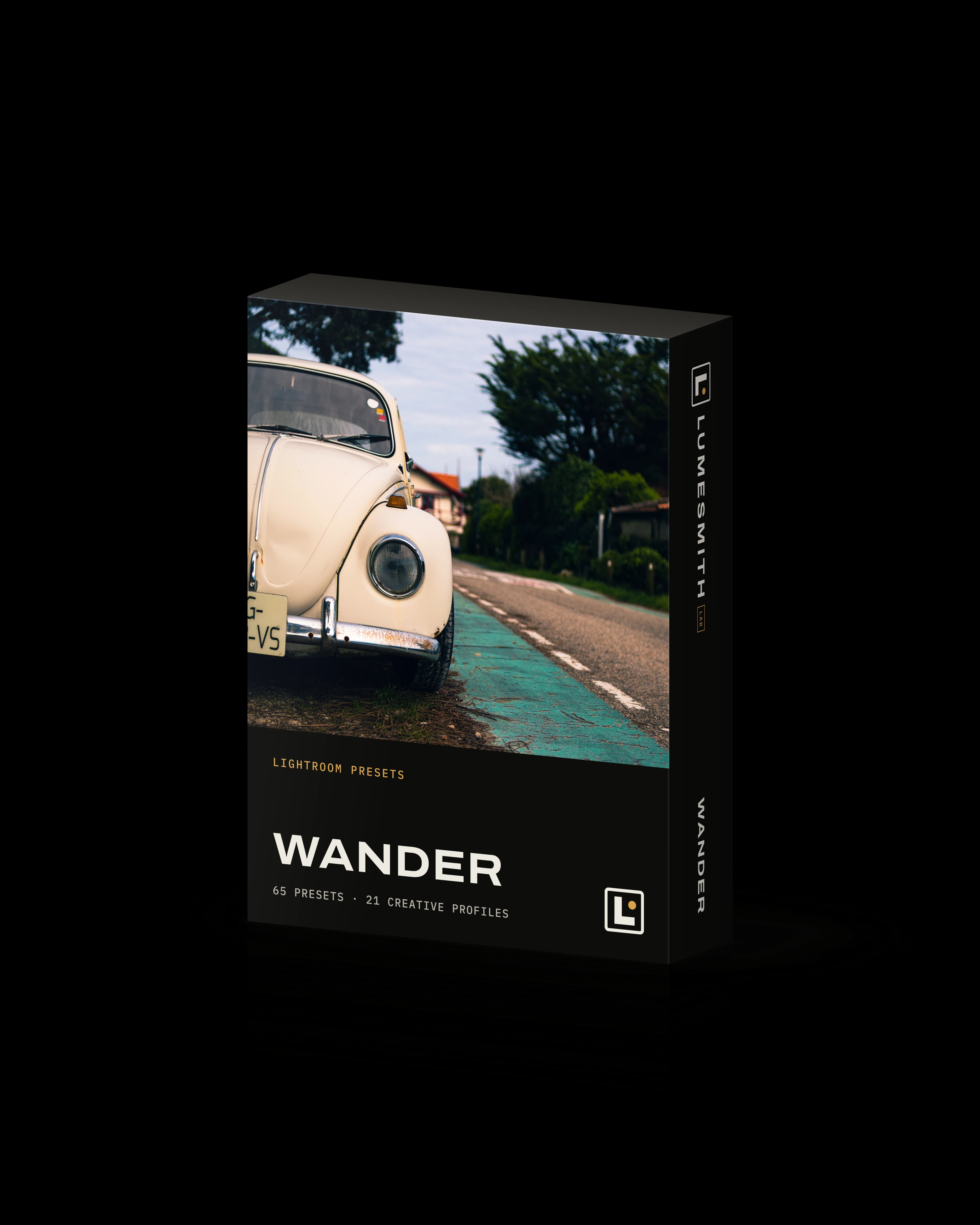
Wander
For travel: from sunlit streets to lamp-lit markets, a look that holds from one light to the next.
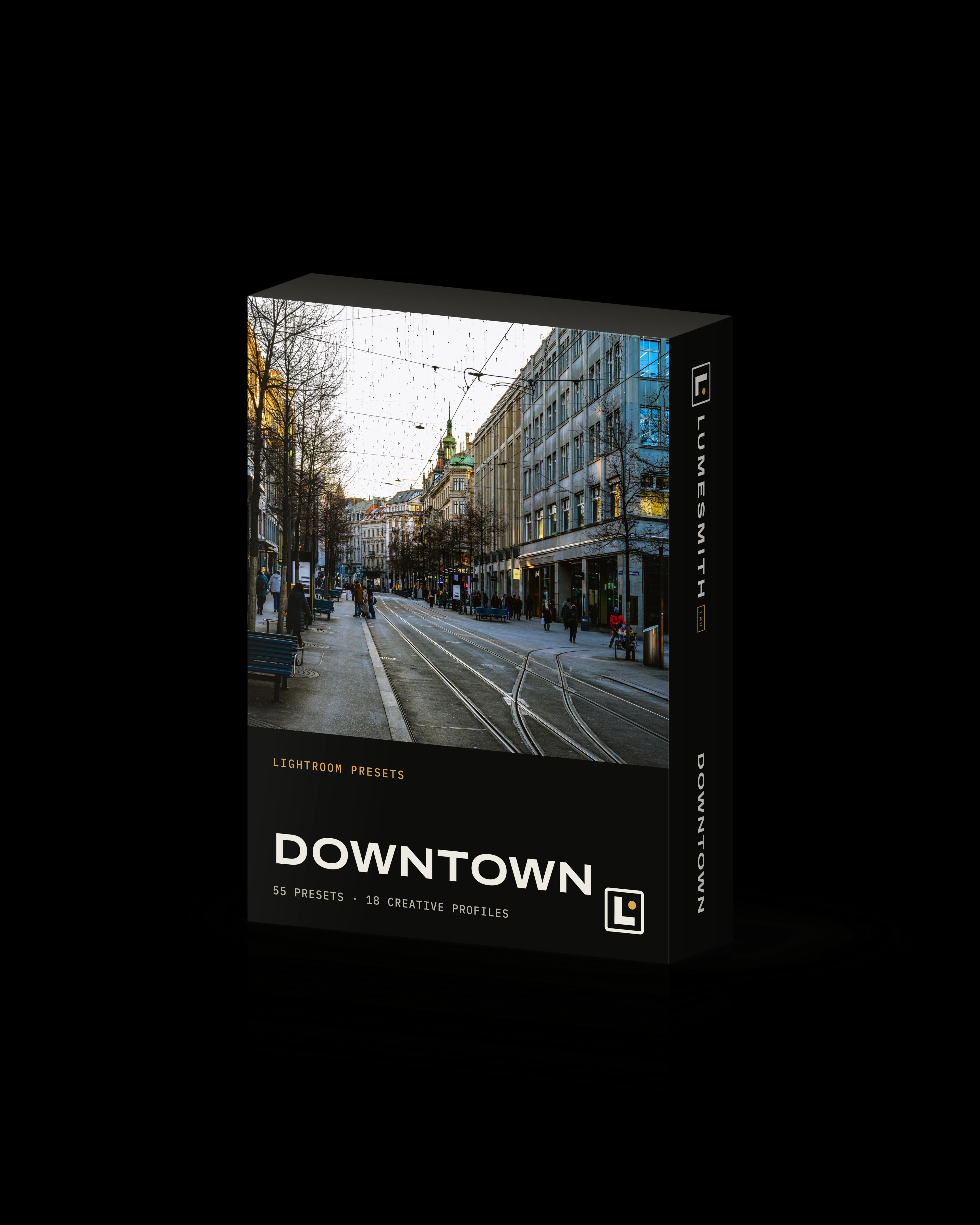
Downtown
For the city by day: warm stone, clean concrete and glass, straight verticals, in color, black and white or film.
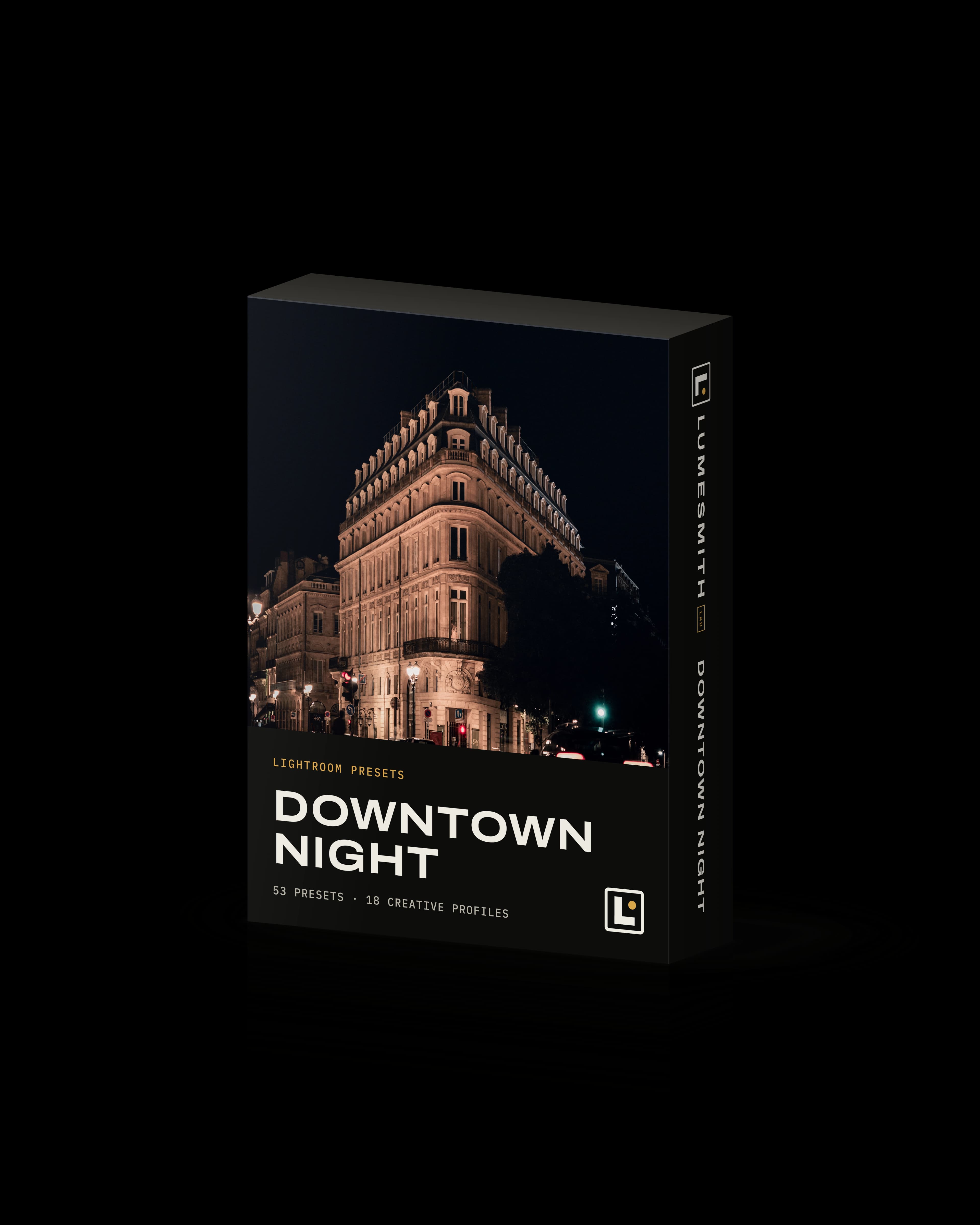
Downtown Night
For the city at night: most looks set the color of the lights, from street-lamp gold to neon cyan and magenta.
Why the look holds when the light changes
A pack for what you photograph
Each pack is made for what matters in its subject: fur and feathers in Wild, greens in Verdant, skin in Wander. Its page also says which photos it is not made for, before you buy.
A version for the light in your photo
Light changes a look: shade adds a blue cast, golden hour makes the oranges stronger. So most looks come in several light versions, and you pick the one that matches the light in your photo.
Your exposure and white balance stay yours
Set exposure and white balance as you always do. No look changes them, and the Reset Look tool takes the look off without touching them.
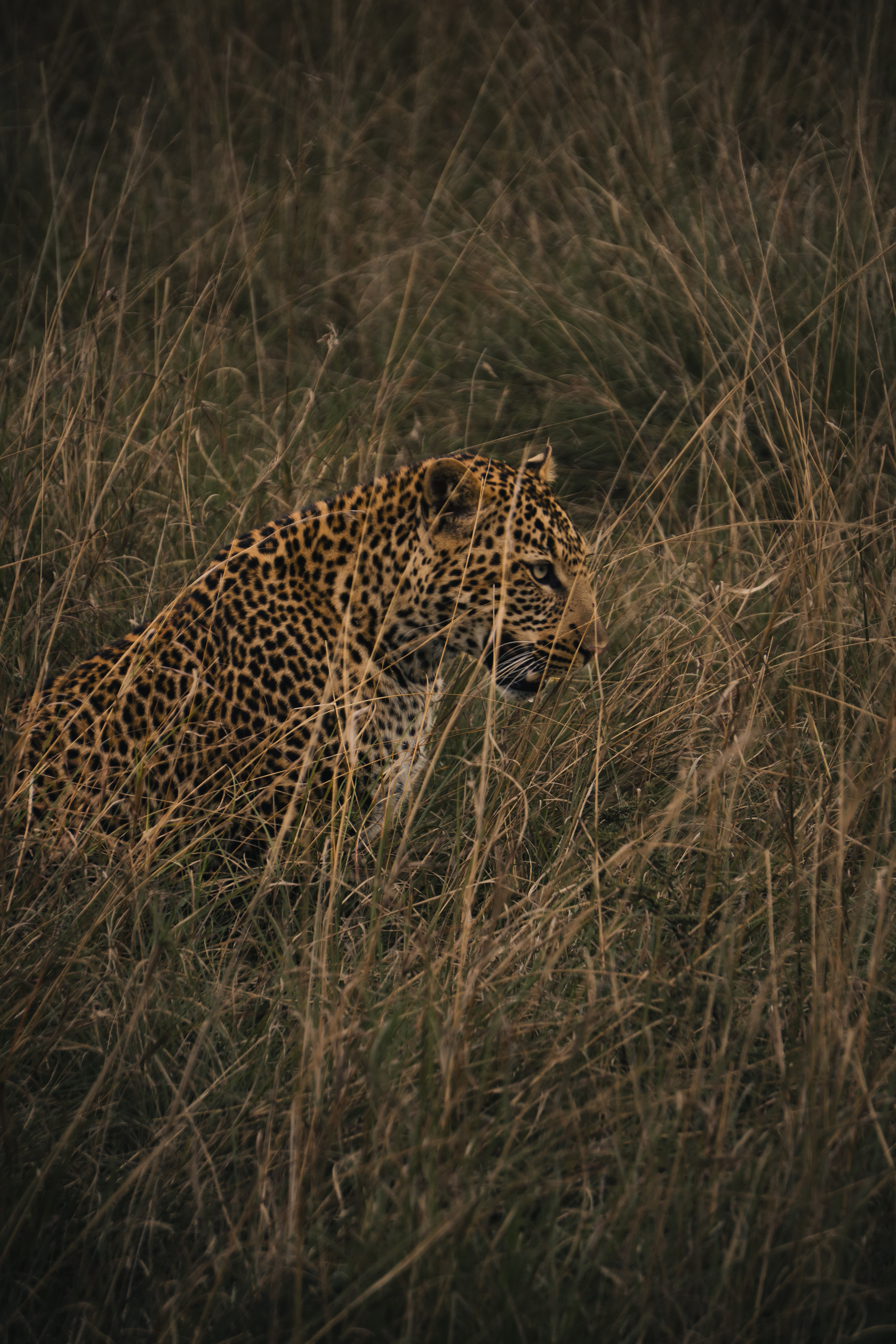
Free look
Try a full look from Wild on your own photos, free
Golden Savanna is the classic dawn safari: golden highlights, slightly cool shadows and warm olive greens. You get the complete look: its five light versions, its creative profile and a RAW file to start with. Try it on your photos from a sunny day, a gray day and a shaded spot, and see whether the look holds. We only ask for your email address: we send the link there, and the look stays in your account.
License
Personal and commercial use · All your devices · One license per person · Read the full license
Bundles
Save with a bundle: Nature, City or all five packs
Two packs that go together, or all five, for less than buying them one by one.
How the bundle price is calculated- Nature€33.99
For the animal and the land it lives in: Wild for wildlife, Verdant for forests, meadows and green coasts. In both packs, vivid greens that make your photos shine.
€5.99 (14%) less than its packs bought one by one
See the Nature bundle - City€33.99
The same streets by day and by night: Downtown for warm stone and clean concrete, Downtown Night for orange street lamps, neon and wet streets that shine.
€5.99 (14%) less than its packs bought one by one
See the City bundle - All Five€74.99
79 looks for wildlife, green landscapes, travel, the city by day and the city at night.
€24.96 (24%) less than its packs bought one by one
See all 5 packs
Questions before you buy
I've bought presets before that looked wrong on my photos. Why would these be different?
Often the light is the cause: a preset made in one light goes wrong in another. Here you set your own exposure and white balance first. Then, for most looks, you pick the version made for the light in your photo.
Can't I just make my own presets?
You can, and some experienced editors make one preset per light for their own look. A pack gives you that work already done for one subject. Wild, for example, has 11 looks, each adjusted for 4 or 5 lights, and 7 tools.
What if a look is too strong for my photo?
Every look also comes as a creative profile with an Amount slider: you set the strength, and all your other sliders stay free. Profiles are stronger than the presets at 100, so start around 50.
Will I still have to edit every photo?
You still set exposure, white balance and contrast as usual; the look gives the color and the mood. Each pack also has tools for local edits its subject often needs, one click each: depending on the pack, lift the subject, calm the background or deepen the sky.
Does it work with my Lightroom and on my phone? Is it hard to install?
The packs work in Lightroom Classic, Lightroom and Camera Raw, in their recent versions; each pack page gives its minimum versions. On Lightroom mobile the looks work too. Installing takes a few clicks, the guide shows each step, and if you get stuck, we reply within 2 business days.
What if the pack does not suit my photos?
Each pack page says which photos the pack is made for and which it is not, so you can check before you buy. As long as you have not downloaded anything, you can withdraw within 14 days; from the first download, the sale is final. If a pack does not work with the Lightroom versions listed for it, the legal guarantee of conformity applies: we fix it or refund you.
Find the pack for what you photograph
Each pack gives you looks made for your subject, versions for the light in your photo, and leaves your exposure and white balance as you set them.