How to choose Lightroom presets for travel photography
A trip gives you people and places in every kind of light, often on the same day: a street at noon, a market lit by lamps, a face in the shade. A travel preset has to hold through all of it and keep skin true. Here is what to check before you buy, and how our Wander pack answers.
Why travel photos are hard to edit with a preset
- Skin goes wrong first. A strong color look turns faces green, magenta or gray, and dark skin loses its detail in the shadows.
- The light changes all day. Hard sun, shade, golden hour, then tungsten lamps indoors: a preset made for one of them fails in the others.
- A series has to hold together. The photos of a trip are seen side by side. A look that shifts from one photo to the next breaks the series.
What to check before you buy any preset pack
- Which light each preset is made for. A preset made at golden hour goes wrong at noon. A pack that names the light of each version lets you pick the right one.
- What it does to your exposure and white balance. You set them photo by photo. A preset that overwrites them makes a series uneven.
- Whether you can set the strength. A look that is too strong on one photo should be easy to turn down.
- What the "before" really is. A fair example says what was done to the before photo and what the preset added.
- What the pack is not made for. A seller who says it saves you a wrong purchase.
How Wander answers
- In the color looks, skin stays true: its hue does not move, its saturation stays natural, and dark skin keeps its shape and detail in the shadows.
- The color looks come in versions for the lights of a trip: full sun, overcast, shade, golden hour and indoor, for markets, cafes and temples. A light that goes against a look is left out: Lantern comes for golden hour and indoor only.
- Film looks and a black and white for when you want a stronger mood. The Film looks are more marked and come as one preset each: you pick a film look for itself, not for the light. B&W Reportage comes in four contrasts.
- Tools for portraits, one click each on top of any look: Soft Skin softens skin texture a little, Bright Eyes lifts the eyes, Subject Lift and Quiet Background set the person apart from the place. Soft Skin and Bright Eyes need Lightroom on a computer.
- Your exposure and white balance stay yours. No preset of the pack changes them, and Reset Look takes the look off without touching them.
- You set the strength. Every look also comes as a creative profile with an Amount slider. A profile at 100 is stronger than the preset, so start around 50.
Which light version to pick
- Full Sun: hard midday sun in the street.
- Overcast: gray sky, flat light.
- Shade: open shade, with its blue cast.
- Golden Hour: low, warm sun.
- Indoor: tungsten or mixed light, in a market, a cafe or a temple.
Trust the light you see in the photo, not the time on the clock: a low, warm sun is golden hour at 7 am as at 7 pm.
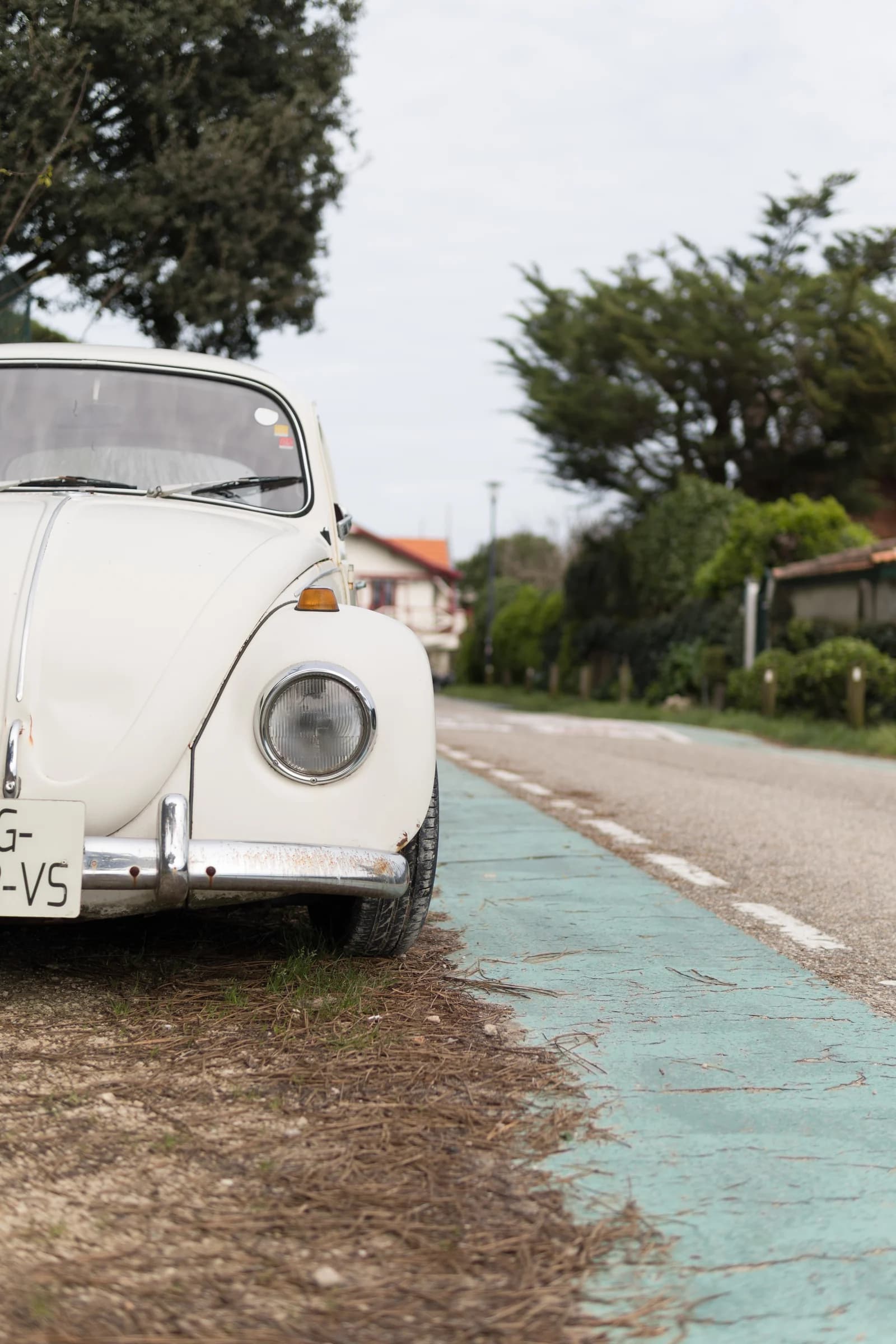
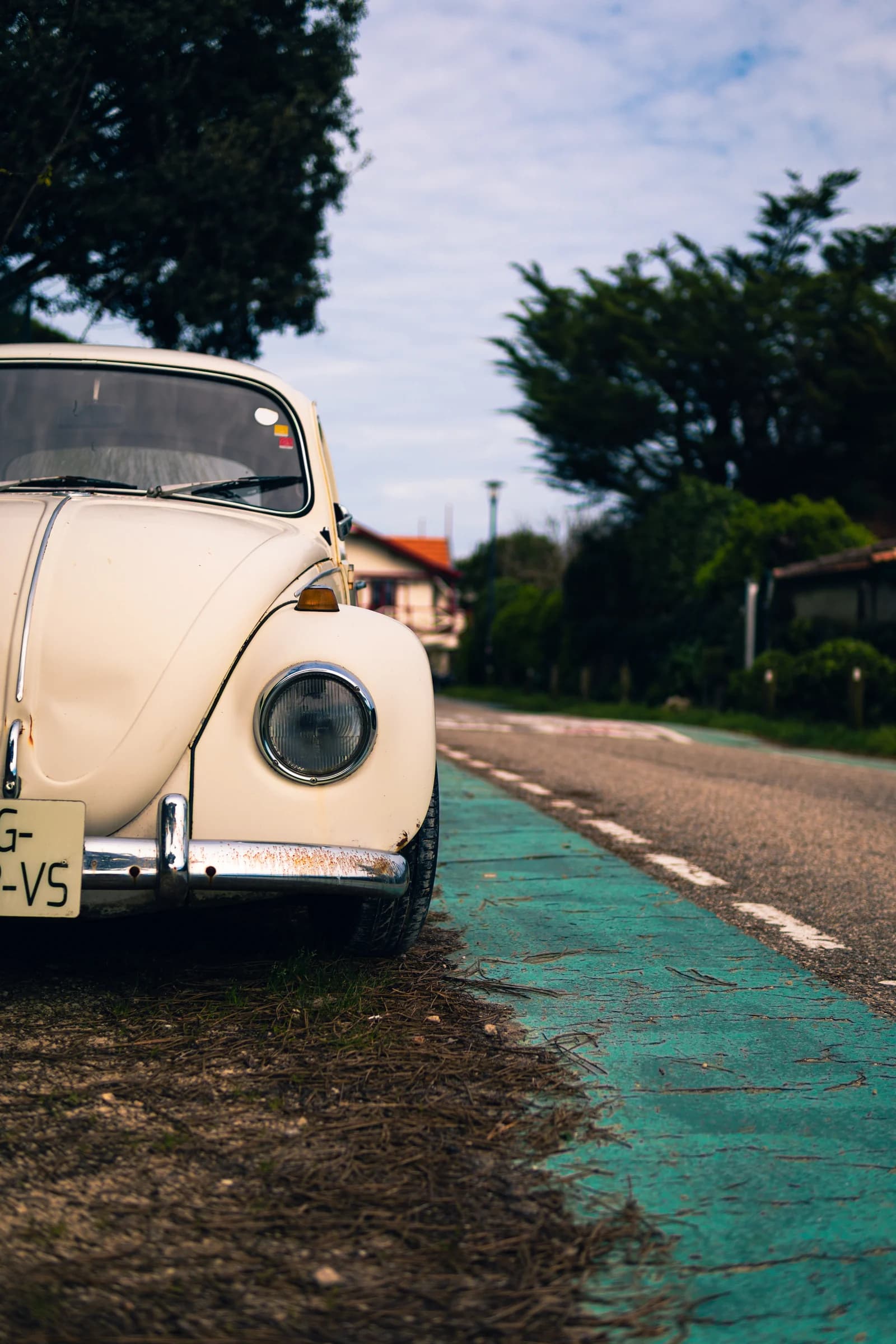
Before and after with Wander
Slide
- After
- The before photo with only the preset applied, at 100%.
- Before
- The RAW file with the Adobe Color profile, lens corrections, and exposure and white balance set by hand.
When Wander is not the right pack
- Studio and wedding portraitsThe looks are made for people in their place, on the road.
- Beauty retouchingThe looks do not smooth or reshape skin. Soft Skin only softens it a little.
- Blue hour and nightFor the city after sunset, see Downtown Night.
If your trips mix subjects
A trip is rarely portraits only: there is the city, the landscape, sometimes wildlife. All five packs together cover each of them with looks made for it.
| Offer | Made for | What you get | Price |
|---|---|---|---|
| Wander | Made forFor travel: from sunlit streets to lamp-lit markets, a look that holds from one light to the next. | What you get58 presets · 10 looks, up to 5 lights each · 10 Film looks · B&W · 7 tools | Price€19.99See Wander |
| All Five | Made for79 looks for wildlife, green landscapes, travel, the city by day and the city at night. | What you getWild · Verdant · Wander · Downtown · Downtown Night79 looks · 247 presets | Price€74.99€24.96 (24%) less than its packs bought one by oneSee all 5 packs |
Questions
Do the presets work for landscapes and streets without people?
Wander is tuned for people in their place, and its first care is skin. For green landscapes, Verdant is made for the vegetation; for streets and architecture, Downtown.
Can I edit on my phone during the trip?
The looks work on Lightroom mobile: sync them from Lightroom on a computer, or import the unzipped files. Soft Skin and Bright Eyes need Lightroom on a computer.
Not sure which pack fits? Compare the packs and bundles.